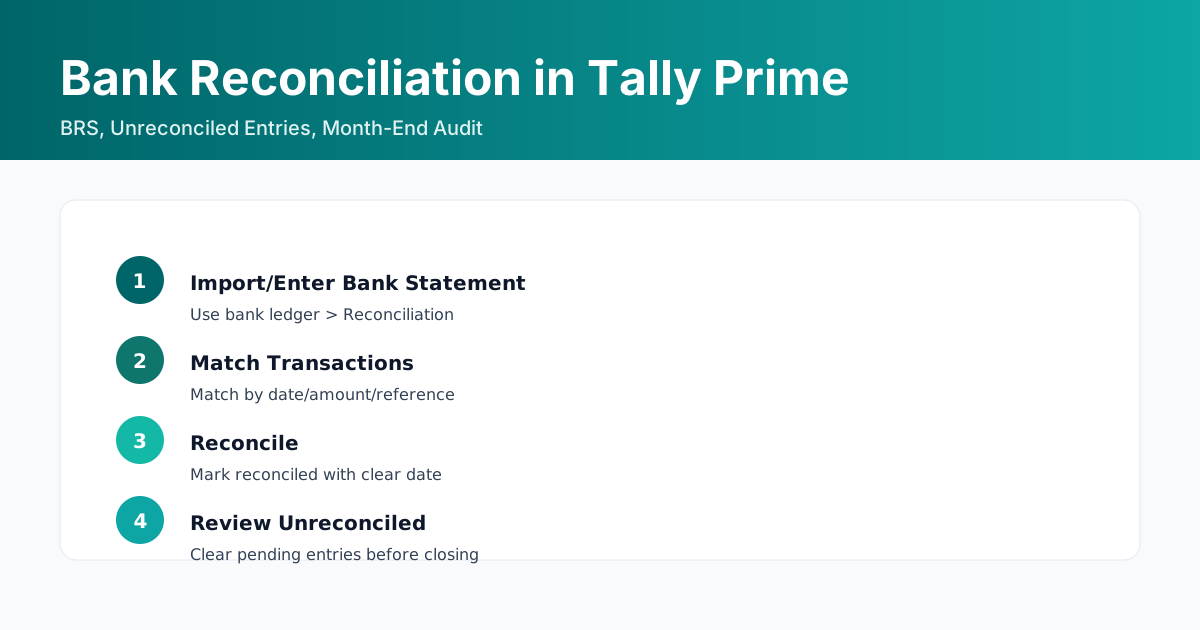
Bank Reconciliation in Tally Prime helps match transactions between bank ledger and bank statement, identify differences, and maintain audit-ready records. Follow version-specific steps, match by date/amount/reference, and clear unreconciled items before month-end.
Step-by-Step Examples
Record Bank Reconciliation
- Go to Bank Ledger > Reconciliation (Alt+R)
- Enter bank statement date range/details as applicable
- Match transactions by Date/Amount/Reference
- Mark Reconciled (space/accept)
- Accept and review unreconciled list
- Reconcile regularly (monthly) to avoid backlogs
- Verify opening balance before starting BRS
FAQs
How to record bank reconciliation in Tally Prime?
Open the Bank Ledger, use Reconciliation (Alt+R), match bank statement entries with book entries by amount/date/reference, mark reconciled and save.
What is BRS in Tally?
Bank Reconciliation Statement (BRS) in Tally matches your cash book bank balance with the bank statement to identify differences.
Bank Reconciliation Month-End Audit Checklist (PDF)
Checklist to close bank reconciliation accurately every month.
Lead capture is minimal and business-focused. Fill details below to download the resource.
Automate Bank Reconciliation Workflows
Looking to streamline BRS for high-volume transactions? Explore our custom Tally solutions for reconciliation automation.
Learn More