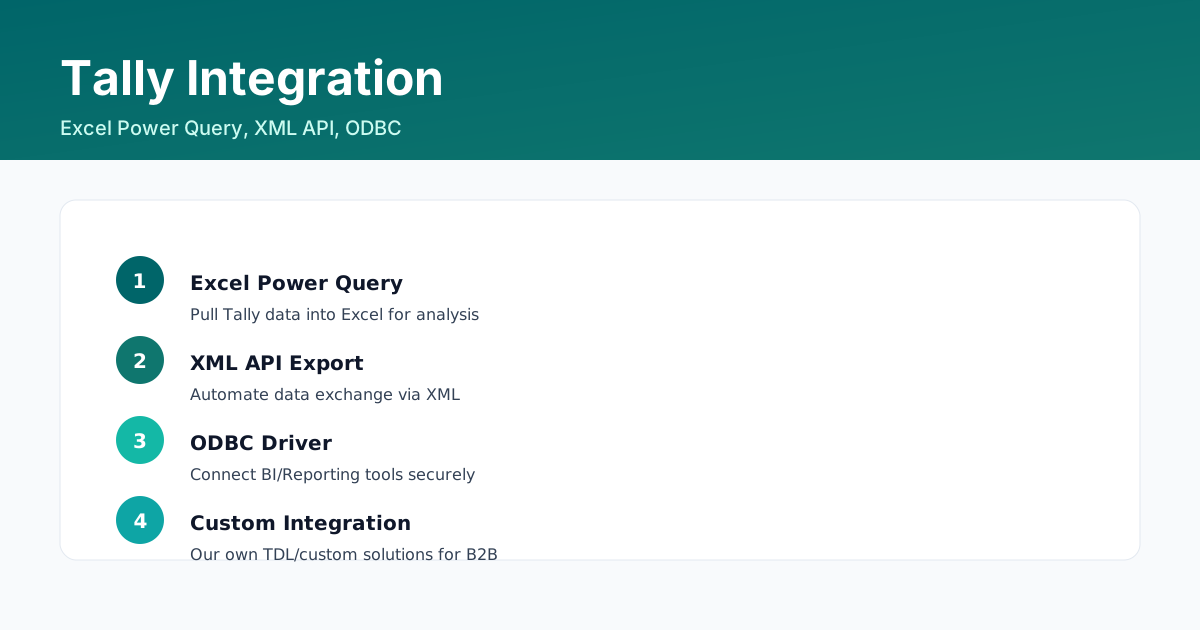
TallyPrime is a closed accounting book, but it is not a closed data silo. It exports, it imports, and it serves data over an API - which is how a finance team stops re-keying numbers between Tally and Excel.
Choose the right route
| What you want to do | Tool to use | How it works |
|---|---|---|
| Bring ledgers, items and opening balances in from Excel | Excel import | Gateway of Tally > Import of Data > Masters, point at an Excel sheet and map the columns |
| Take a report out for analysis | Export (Alt+E) | Export any report to Excel, XML, JSON or JPEG |
| Push and pull data automatically | XML API | TallyPrime serves XML over HTTP on your own machine, so any script or service can read and write |
| Build dashboards in Excel or Power BI | ODBC or Power Query | Connect to the Tally data source and treat the ledgers as tables |
| Send data to a website or portal | XML API | Post vouchers, masters and reports from your own server to the Tally API |
Excel import, step by step
- Prepare one row per master, with a header row that names each field exactly as Tally expects.
- Gateway of Tally > Import of Data > Masters (or Vouchers for voucher data).
- Choose the file, then map each spreadsheet column to the Tally field in the mapping screen.
- Create or alter masters as part of the import - tick the option if you want the import to create masters that do not exist yet.
- Import, then review the log. Every rejected row is listed with the reason.
- Verify with a display list before you close the screen - an import that half worked is worse than no import.
The XML API
TallyPrime can run as a server on your workstation or server and answer requests over HTTP, typically on port 9000. You send a request that names the company and the data you want, and TallyPrime returns XML (JSON is supported as well).
- Point the request at the local host and the company, so the data never leaves the office network unless you build it that way.
- The usual pattern is a scheduled script that reads the day's vouchers and writes them into your own reporting store.
- Keep the request templates in version control and log every request - an integration that nobody can debug is worse than a manual export.
- Always open and close the company session inside a single request. A half-open session is the most common cause of empty responses.
ODBC and Power Query
Install the Tally ODBC driver, enable the ODBC connection from Company Features, then connect any ODBC-compliant tool (Excel Power Query, Power BI, Tableau) to the Tally data source and treat masters, ledgers and vouchers as tables.
With Power Query the same job is done through the API: choose Get Data > Web, point it at the Tally request URL and let Power Query parse the XML response. Refresh on a schedule and your dashboard updates without anybody exporting anything.
Practical advice
- Import masters once and maintain them in Tally. Re-importing the same masters every month is how duplicates appear.
- Export to CSV rather than Excel for anything that will be loaded into another system - it avoids date and number formatting surprises.
- Keep a sandbox company for integration testing so a bad request never touches live books.
- Log every automated write. Automation without a log is an audit finding waiting to happen.
FAQs
How do I import ledgers from Excel into Tally Prime?
Use Gateway of Tally > Import of Data > Masters, select the Excel file, map the columns to Tally fields and import. Always check the import log for rejected rows.
What is the Tally XML API used for?
It lets your own scripts or services read and write TallyPrime data over HTTP - typically for automated exports, website posting or a reporting warehouse.
Can I connect Power BI or Power Query to TallyPrime?
Yes, through the ODBC driver or by calling the XML API from Power Query. Both give you ledgers, masters and vouchers as refreshable tables.
Which export format should I use for another accounting system?
Prefer CSV for structured data and XML for systems that accept it. Excel is fine for analysis, but date and number formatting can change values on import.
Custom Integration For Your Workflow
We build TallyPrime integrations for MIS, portals and ERP links - XML API, Excel automation and ODBC reporting pipelines.
Contact Us