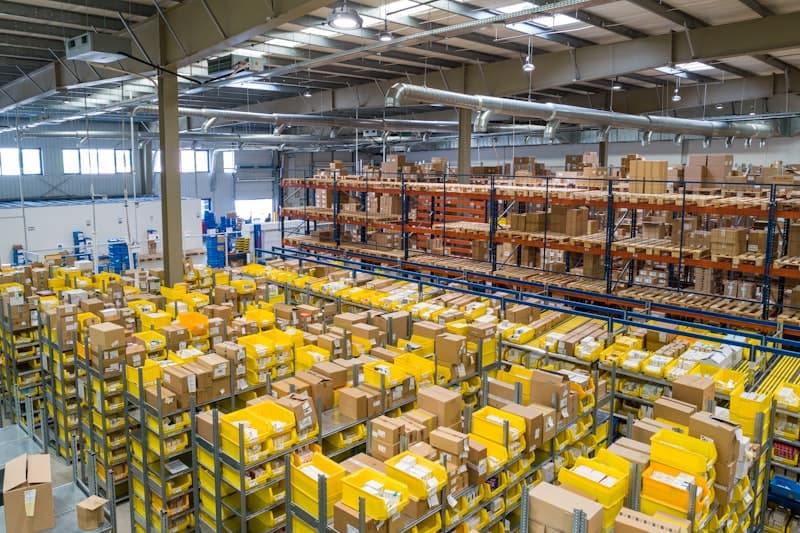
Items create themselves
- New style, colour or size? The item is created automatically while you enter the purchase or the sale.
- No separate item master to set up before billing.
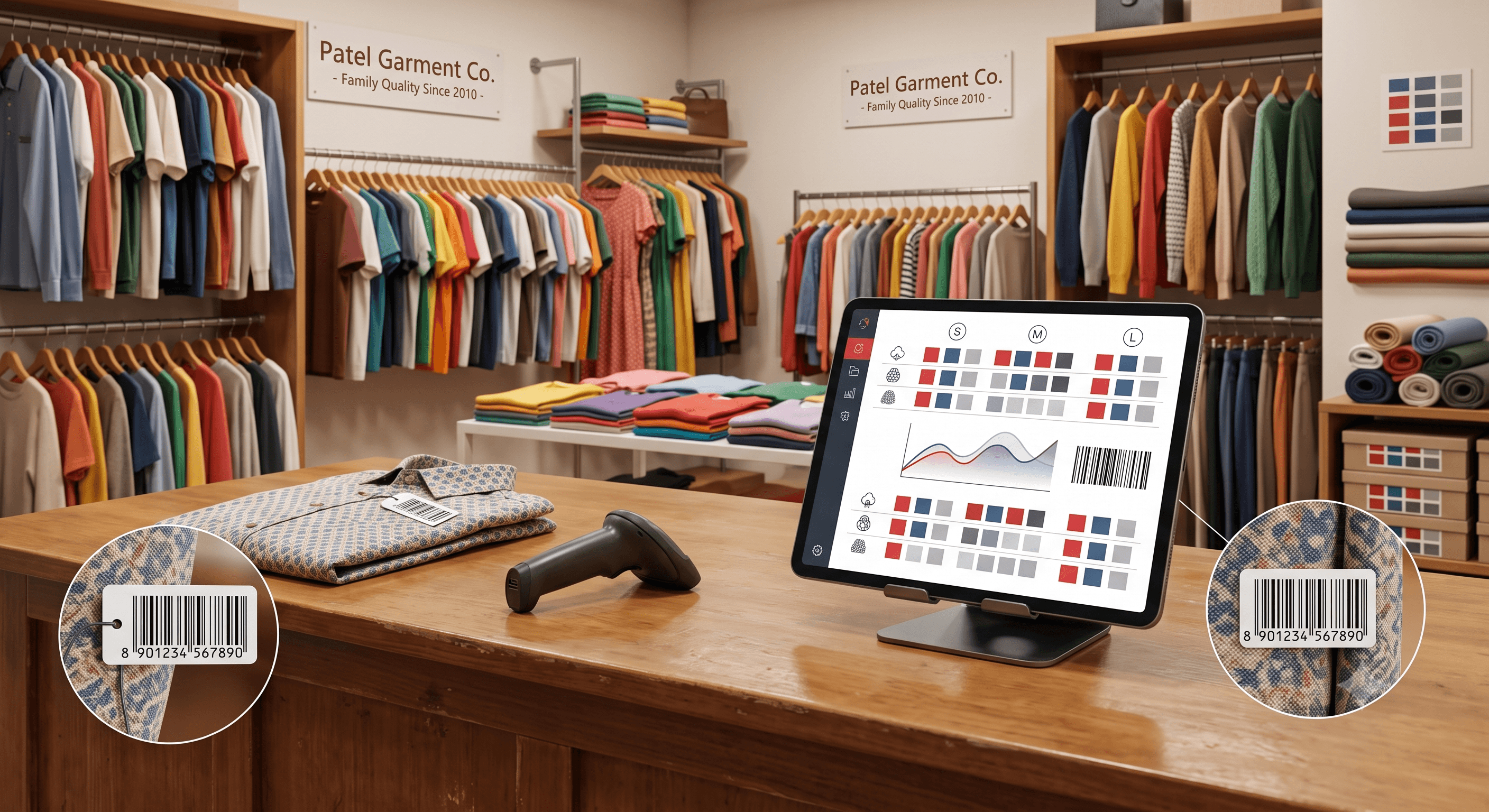
TallyPrime Add-on · Garment & Footwear Retail
Items create themselves, sizes add up on their own, and stock updates by colour and size — inside your TallyPrime.
Tally Certified Partner since 2008 · CBD Belapur, Navi Mumbai
The everyday headache
Five colours across six sizes is thirty separate items to create by hand before the first bill. With this module they are created automatically while you enter the purchase or the sale.
Step A · Enter the sale
TallyPrime
Creates the colour-and-size item while you type the bill, then calculates quantity, amount and stock for that exact variation.
Step B · Instant output
Click through the module
Fill the size columns, watch the quantity and total calculate, then open the closing stock to see what is left in each size.
The interactive walkthrough needs a wider screen. Open this page on a tablet or desktop to click through the module.
What you get
How it works
A new style arrives in a colour and several sizes. Enter the purchase once and every item is created.
Fill the size columns and the quantity and amount are calculated row by row.
Every sale updates stock by colour and size, so the closing stock report is ready at month-end.
On the ground
Automation for retail
Common questions
It creates items automatically while you enter a purchase or a sale, keeps stock by colour and size, and prints invoices with colour and size columns.
No. The module creates the item while you enter the purchase or the sale, so the colour-and-size combinations do not have to be set up in advance.
The invoice prints with its own colour and size columns, so more items fit on a page and the bill reads clearly.
Yes. The closing stock report shows quantity, rate and value by colour and size, so you can see exactly what is left.
Yes. Quantity, amount and totals are calculated as you fill the size columns, so billing stays quick even when a customer picks several sizes.
Module pricing · TDL licence
Installation, setup and operator training are handled by our team.
Sarvadnya Infotech LLP
Tell us how this process runs in your business today. We will walk you through the same module on your own workflow.