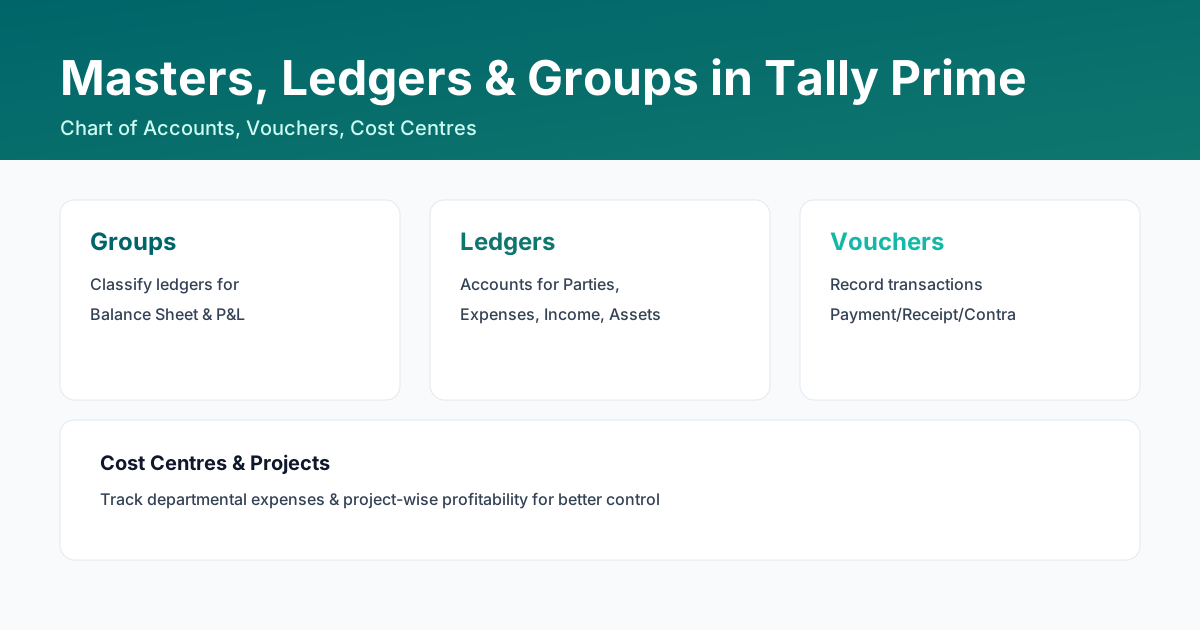
Groups classify ledgers for automatic grouping in Balance Sheet and P&L. Create ledgers under correct groups, avoid duplicates, and use cost centres/projects where needed for departmental accounting.
How to create a ledger: Gateway of Tally > Accounts Info > Ledgers > Create > Fill details > Accept (Ctrl+A).
How to display/check a ledger: Gateway of Tally > Accounts Info > Ledgers > Display > Select ledger.
How to alter/correct a ledger: Gateway of Tally > Accounts Info > Ledgers > Alter > Select wrong ledger > Make corrections > Accept (Ctrl+A).
How to create/check/alter Stock Group, Units of Measure and Stock Items:
- Stock Group: Inventory Info > Stock Groups > Create/Display/Alter
- Units of Measure: Inventory Info > Units of Measure > Create/Display/Alter
- Stock Items: Inventory Info > Stock Items > Create/Display/Alter
Key Terms
Group
Pre-defined or user-defined classification used to auto-group ledgers in reports.
Ledger
An account for a party, expense, income, asset or liability.
Voucher
A document used to record transactions in Tally.
Step-by-Step Examples
Create Ledger Example
- Gateway of Tally > Masters > Create > Ledger
- Enter Ledger Name
- Select appropriate Group
- Fill relevant fields (GST, Opening Balance)
- Accept (Ctrl+A)
FAQs
What is the difference between group and ledger in Tally?
Groups classify ledgers for reporting; ledgers are individual accounts for parties/expenses/incomes.
Industry-Specific Chart of Accounts
Our custom TDL modules and consulting help structure masters for transport, housing societies, CFA, and other industries.
Learn More