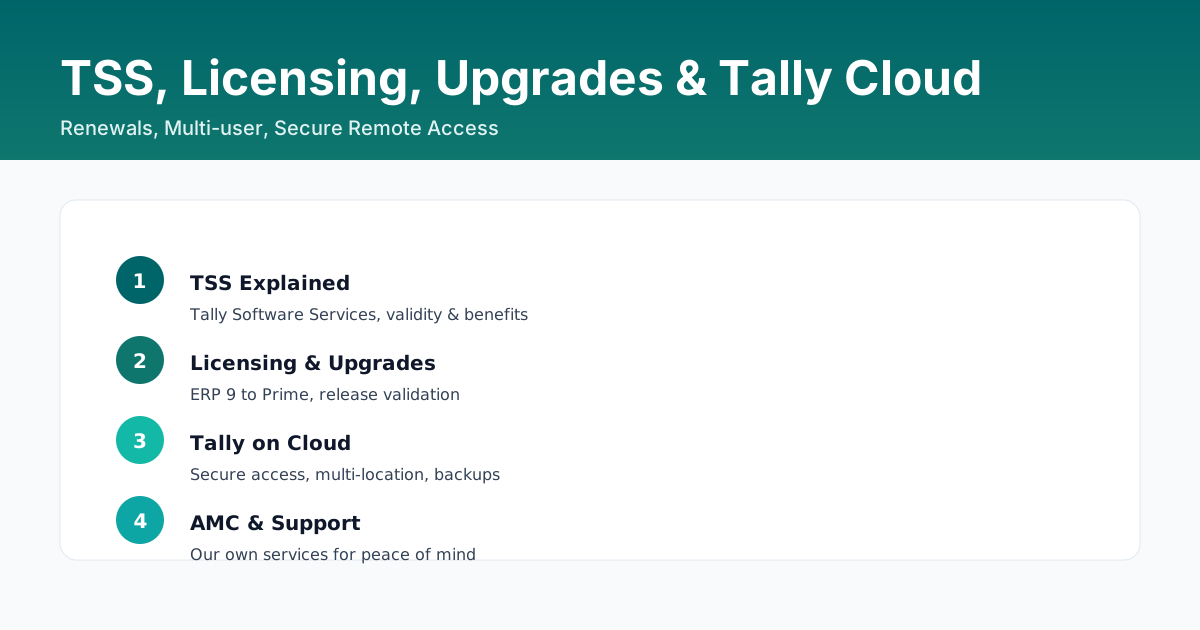
TSS - Tally Software Services - is the annual subscription behind TallyPrime. It is what keeps the product compliant, keeps the screens current and unlocks the statutory utilities. Most upgrade questions are really TSS questions, so they are answered together here.
What TSS gives you
| With active TSS | Without TSS |
|---|---|
| Statutory updates for GST, e-Invoice, e-Way Bill and payroll compliance | Your accounting keeps working, but statutory utilities and downloads are restricted |
| GSTR-2A and GSTR-2B download inside TallyPrime | These downloads are blocked |
| e-Invoice and e-Way Bill generation through the IRP and the e-Way Bill portal | Generation is restricted until it is renewed |
| Online support and the latest release fixes | You run on whatever version you installed |
| Tally Cloud Access for remote working | No remote access through Tally Cloud |
Which licence fits
| Licence | Who it is for | What it gives |
|---|---|---|
| Silver | Single user, single company | Full accounting and compliance for one person |
| Gold | Multiple users and multiple companies | Multi-user work and more than one company book |
| Server | A whole office or branch | Unlimited users on the local network, one shared data set |
| Education | Learners and trainees | A free learning licence with limited company books |
TSS is purchased against the licence type, so a Gold user buys a multi-user TSS and a Silver user buys a single-user TSS. Check the current licence before you buy - press F1 > About for the licence details, and Alt+R > Manage TSS Renewal for the TSS screen.
Moving from ERP 9 to Tally Prime
- Check that TSS is active on the ERP 9 licence. An ERP 9 licence with active TSS can generally be upgraded to Tally Prime without buying a fresh licence.
- Take a complete backup of the ERP 9 data folder and keep it.
- Install Tally Prime and choose the upgrade option when it points at the existing ERP 9 data.
- Let the upgrade finish, then check the data: ledger balances, opening stock, outstanding bills and the number of vouchers.
- Re-check company features - a few of them are not carried over automatically, GST and payroll settings in particular.
- Validate any TDL modules and add-ons you use against TallyPrime 7.2 before go-live.
Tally Cloud Access
Tally Cloud Access lets authorised users open company books remotely over the internet, with role-based control and your data still sitting in your office. It is the usual answer for a founder or an accountant who needs the books away from the office, and it removes the temptation to copy the data onto a laptop.
FAQs
What is TSS in Tally Prime?
Tally Software Services is the annual subscription that keeps TallyPrime compliant and current - statutory updates, e-Invoice and e-Way Bill utilities, GSTR-2A and 2B downloads, support and Tally Cloud Access.
How do I check my TSS validity?
Press Alt+R for Manage TSS Renewal, or F1 > About to see the licence and TSS details on screen.
Can I upgrade my ERP 9 licence to Tally Prime?
Yes, if TSS is active on the ERP 9 licence. Take a full backup first, install Tally Prime, choose the upgrade option and then verify balances, stock and company features.
What happens if TSS expires?
Your accounting keeps working, but statutory utilities such as e-Invoice, e-Way Bill and GSTR-2A or 2B downloads are restricted until TSS is renewed.
What is Tally Cloud Access?
It lets authorised users open your company books remotely over the internet with role-based control, while the data stays on your own office machine.
Licensing And Upgrade Support
Not sure which licence or TSS combination fits? We check your current setup and plan the upgrade with you.
Contact Us