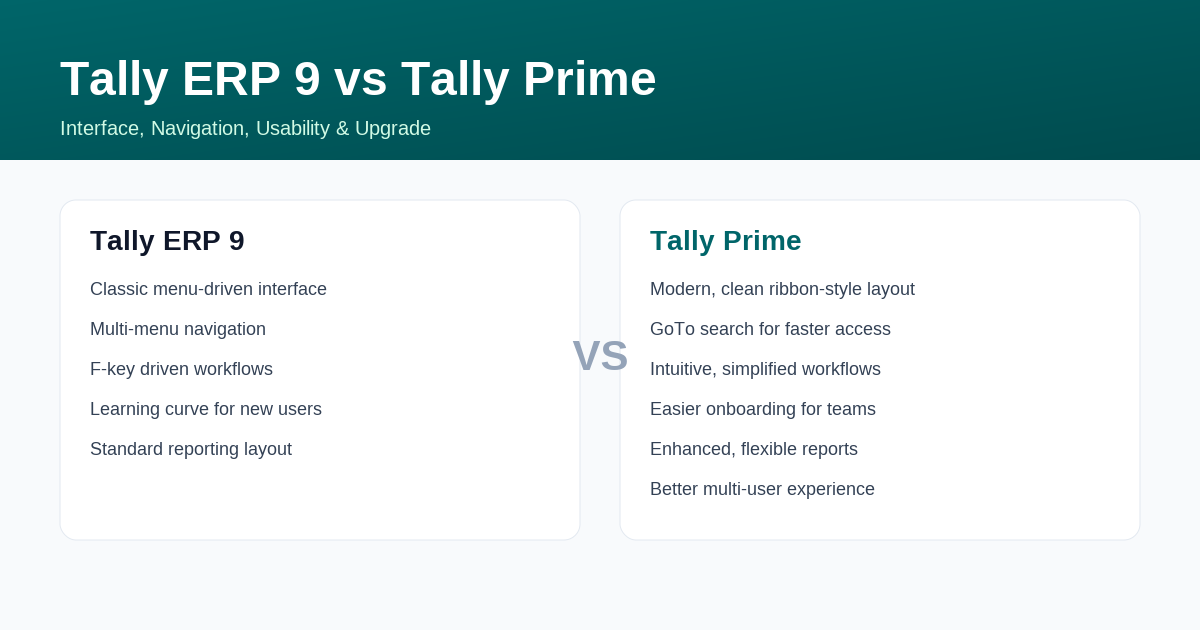
Tally Prime is the modern interface built on the same trusted accounting engine that businesses have used in Tally.ERP 9. TallyPrime 7.2 is the latest version. Both products record the same vouchers, hold the same masters and produce the same core reports, so an upgrade changes the workspace rather than the accounting.
| Feature | Tally ERP 9 | Tally Prime (7.2) |
|---|---|---|
| User Interface (UI/UX) | Traditional, function-key driven, menu-centric | Modern, clean, graphical and more intuitive |
| Navigation | Mostly Gateway of Tally menus + F-keys | Go To (Alt+G) and Switch To for instant search and faster navigation |
| Keyboard Shortcuts | Heavily reliant on F-keys and Alt/Ctrl combinations | More consistent and streamlined (e.g., Alt+G for Go To). Easier for new users |
| Reporting | Reports via menus, more steps for customisation | Enhanced reporting via Go To with contextual options to view, filter, print/export |
| Printing & Exporting | Multi-step print/export configuration | Simplified with better preview and flexible formats (PDF, Excel, JPEG) |
| Multi-Tasking | Limited - usually need to close current screen | Switch To lets you move between tasks (e.g., voucher entry while checking a report) |
| Installation & Upgrade | Standard installation, upgrades often manual | Smoother, more guided upgrade with better detection of older Tally data |
| Data Migration | N/A | Seamless migration from Tally ERP 9 to Tally Prime supported in most cases |
| Licensing | Legacy licensing model | Existing ERP 9 licenses can be upgraded to Tally Prime if TSS is active (no extra license cost in most upgrade cases) |
Similarities: Core accounting, inventory, payroll, taxation (GST/TDS/TCS), data integrity, security and largely compatible data structure.
What has not changed
- The accounting engine. A sale is still a sale and the trial balance still has to agree. Nothing about the way debit and credit work changes when you move.
- The masters. Ledgers, groups, stock items, godowns and cost centres keep their meaning, which is why an existing company can be loaded into TallyPrime instead of being rebuilt from scratch.
- The report set. Trial balance, balance sheet, profit and loss, the day book and the GST reports exist in both products.
Where the daily work differs
In Tally.ERP 9 almost every task starts from the Gateway of Tally and then moves down through menu levels. TallyPrime replaces that with Go To (Alt+G), one search box that reaches vouchers, masters and reports without knowing which menu they live under. Switch To keeps several areas open at the same time, so a report can be opened without closing the voucher that was being typed. F3 switches between the companies already loaded, Alt+F3 opens the company selection list, and F1 (Help) > About shows the exact release installed on that machine.
Licensing and TSS before you plan the move
A perpetual Tally.ERP 9 licence can be upgraded to TallyPrime. Two dates decide the path a company takes:
- Tally.ERP 9 TSS renewal was discontinued for all customers from 16 August 2026.
- The free upgrade to TallyPrime applies where TSS was active on or after 9 November 2020.
TSS is what carried updates, statutory releases and remote access, so an ERP 9 company that was relying on renewal has no renewal left to buy. Check your own licence status with a certified partner before planning the move, because a licence that lapsed before that date follows a different commercial path.
How an upgrade is usually done
- Take a readable backup of every company before anything is installed.
- Install TallyPrime on one computer only.
- Load the companies and compare the trial balance, the GST reports and the TDS reports with the pre-upgrade numbers.
- Move the rest of the network only after the first machine matches.
- Validate custom TDL modules and add-ons against the new release on a copy of the data.
Who should plan the move now
Any business still working in Tally.ERP 9 should plan the upgrade rather than wait, because the old release no longer receives the renewal that kept it current. Teams that run custom TDL reports or add-ons should build the module validation step into the schedule, because that is the part that takes time. A single-machine business that only raises standard invoices usually completes the move in an afternoon.
Recommendation: Tally Prime is highly recommended for all businesses. Moving to TallyPrime 7.2 keeps you on a release that is still supported, and the data already entered moves with you.
Key Terms
Tally ERP 9
Legacy Tally platform widely used for accounting, inventory and compliance.
Tally Prime
Current-generation Tally with simplified navigation, GoTo search, and enhanced user experience.
FAQs
What is the main difference between Tally ERP 9 and Tally Prime?
The main difference between Tally ERP 9 and Tally Prime is the modernised user interface with simplified navigation, GoTo search, and improved usability while retaining the same accounting engine.
Is Tally Prime better than Tally ERP 9?
Tally Prime offers a more user-friendly interface, faster navigation, and improved reporting. For most businesses, it is the recommended upgrade path.
Can I upgrade from ERP 9 to Prime?
Yes. Data migration is supported in most cases. Review TSS status and consult your Tally Certified Partner before upgrade.
Upgrade to TallyPrime 7.2
Need help assessing upgrade, TSS renewal or multi-user setup for your business? Contact us for a free consultation.
Contact Us